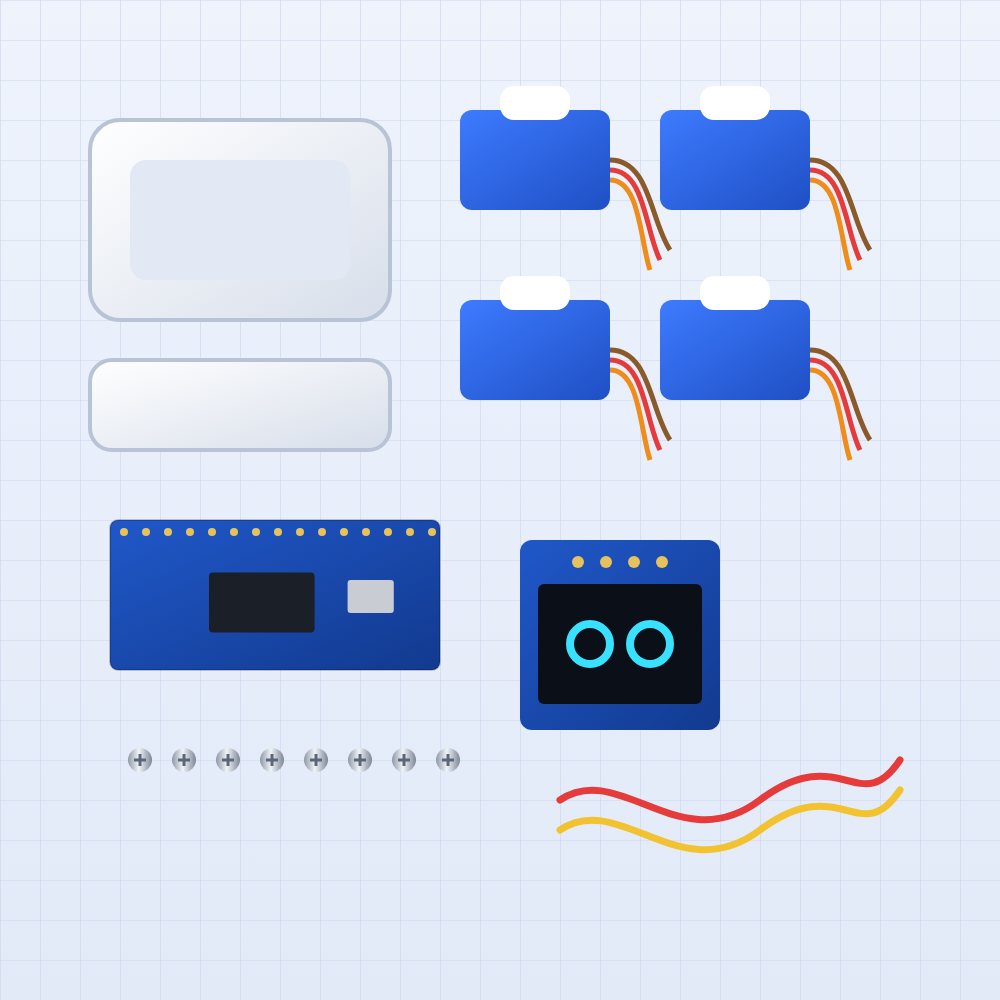
This is a sample guide created by the setup package. It shows how a build guide is laid out: a video at the top, a parts check, numbered steps with photos, tips and warnings. Replace it with your own photos and text.
Before you start
Lay every part out on the table and tick it off against the parts list below. It takes two minutes and saves a lot of searching later.
Unplug the USB-C cable whenever you change any wiring.
Step 1: Center the servos
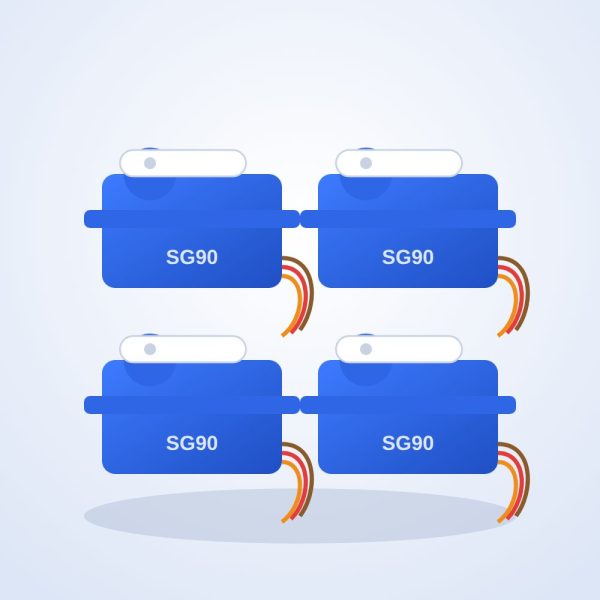
Plug the board into USB power. The firmware moves every servo to the middle position. Unplug once they stop moving.Mark the top of each servo horn with a pen so you can see the middle position after unplugging.
Step 2: Fit the legs
Push one leg onto each servo horn, pointing straight down, then fix it with the small screw from the horn bag.
Step 3: Connect the screen
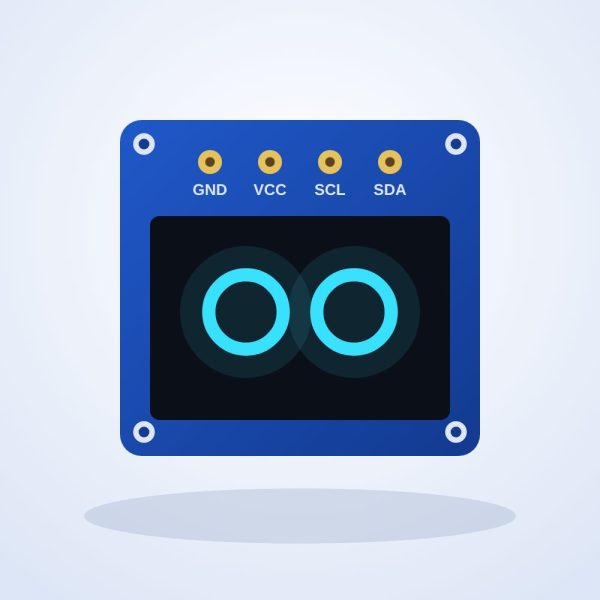
Connect the four screen wires: GND to G, VCC to 3.3 V, SCL to B6, SDA to B7.Swapping GND and VCC can damage the screen.
Step 4: Close the body and test
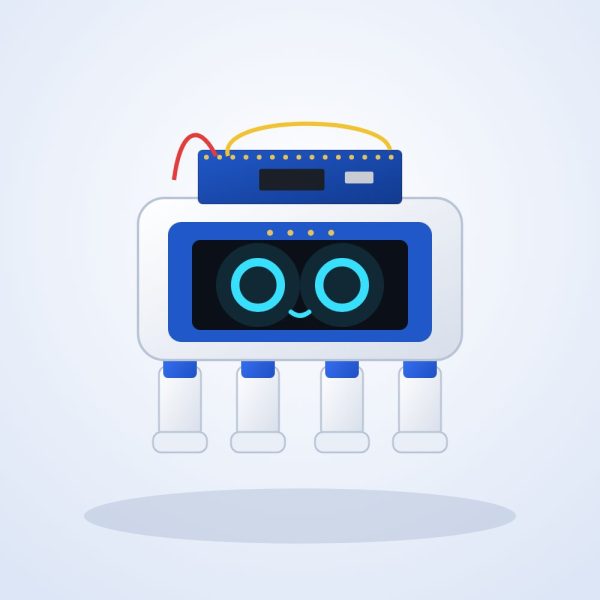
Screw the top shell on, plug in USB-C and watch the robot wake up.
If something does not work
See the troubleshooting section on the project page, or ask in the comments below.